


Software Bug ReportJul 28, 2026
Bug Report Template: Tickets Developers Understand
A bug report template with repro steps, environment, and expected versus actual behavior. Copy the seven fields and cut the back-and-forth.
 Junaid Khalid
A calm monthly budget review for couples: one shared template, five prompts, and a voice-log method so money talks stop turning into arguments.

Most money arguments between couples are not really about money. They are about surprise. One partner sees a charge they did not expect, asks about it three weeks late, and the conversation starts from suspicion instead of numbers. By the time you sit down, nobody remembers what the $180 on the 14th actually was.
A monthly budget review fixes this, but only if it stays short and the same every time. The problem is that most couples either skip it or turn it into a two-hour audit that neither person wants to repeat. What you need is a fixed template with a handful of prompts, and a way to capture the answers in under ten minutes without one person hunched over a spreadsheet while the other waits.
This guide gives you that template, the five prompts that keep it calm, and a voice-log method so the review takes about the length of one coffee.
The trigger is almost always a gap in information, not a gap in values. One person tracks the joint account daily; the other checks it twice a month. When they finally compare notes, the difference in what each person knows feels like a difference in how much each person cares.
A fixed template closes that gap on purpose. It forces both people to look at the same numbers on the same day, answer the same questions, and write down the answers where both can see them. Nobody has to remember. Nobody has to reconstruct a charge from memory. The log does that.
The template also removes tone from the conversation. When the question is printed and identical every month ("what surprised us?"), it does not sound like an accusation. It sounds like a step. That single change is what turns a review from a fight into a five-minute habit.
Keep it to five prompts. More than that and one of you will start finding reasons to postpone. Here is the full template, in order.
That fifth prompt is the one most couples skip, and it is the one that makes the review feel productive instead of just accounting. A logged decision with its reason ("we paused the streaming bundle because we used two of five services") is something you can revisit in three months without re-arguing it.
The review is only useful if the answers are written down in one place both people can open later. A shared budget log does not need to be fancy. It needs a date, the five prompts, and the answers. Here is the shape of a single monthly entry.
| Field | What goes in it | Example |
|---|---|---|
| Date | The review date, same slot each month | 2026-07-01 |
| Planned vs actual | Per-category target and real spend | Groceries: planned $600, actual $710 |
| Surprise | The one charge that needed explaining | $180 annual domain renewal, forgot it auto-renews |
| Change for next month | One or two adjusted targets | Raise grocery target to $700 |
| Shared decision | One call plus the reason | Move $250 to the vacation goal; on track for October |
Five fields, one row per month. After six reviews you have a running record that shows patterns no single month reveals: groceries creep up every quarter, or the "surprise" is the same forgotten annual charge twice a year. That record is worth more than any single review.
If you already track spending elsewhere, this log sits on top of it. It is the conversation record, not the transaction record. For the raw transaction side, an expense tracker app or, if one of you is self-employed, an expense tracking setup for freelancers handles the line items. The couples log handles the decisions.
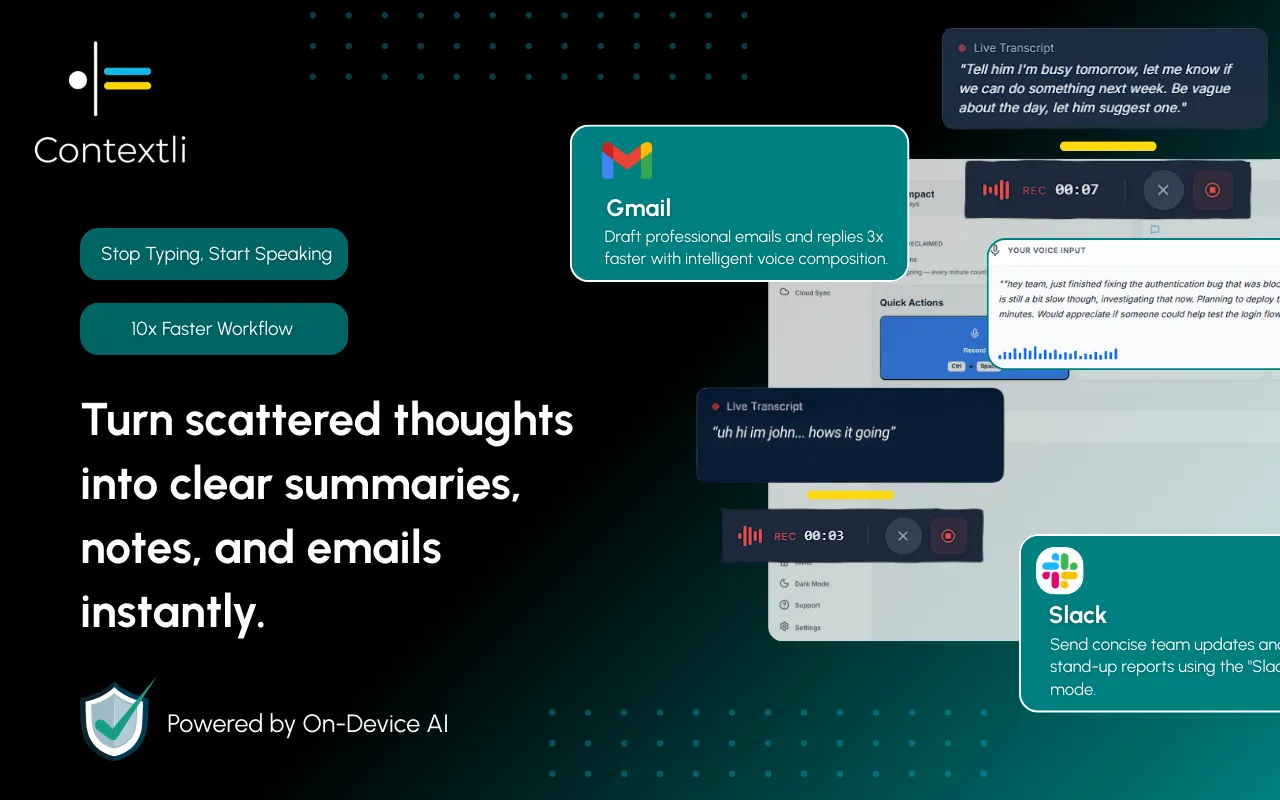
The reason budget reviews die is friction. Typing five fields into a spreadsheet while your partner reads numbers off a phone means one person is a data-entry clerk and the other is waiting. Do that twice and you both start "forgetting" review day.
Dictating the log removes the clerk. One person reads the bank totals, the other speaks the entry, and it lands formatted in your shared doc. A spoken review entry takes about 3 to 4 minutes. The same entry typed and formatted takes 15 to 20. Over a year that is the difference between twelve reviews and four.
This is where a desktop dictation app matters more than a phone voice-typing feature. Contextli is a system-level app that types into whatever window is focused, so it works in your shared Google Doc, your notes app, or a plain text file, without needing an integration for each one. You set up a Notes Mode once with three or four examples of your own log format, and every dictation after that matches that structure: date first, categories in order, decision last.
That is the customization-by-example flow. You are not fighting a generic transcriber that dumps a wall of text. You show it your template once, and it writes to your template every month.
A budget review is some of the most sensitive data you produce: account totals, income, what you are saving for. Where that data gets processed matters, and most dictation tools send audio to a cloud service by default.
Contextli gives you three privacy levels you can stack:
Stack all three and the whole review is fully offline and fully private. No competitor offers that combination. If financial privacy is the reason you have avoided any cloud tool for this, this is the ladder that answers it. For the deeper version, see the messaging and dictation privacy setup for how the same modes behave when sync is off.
You can run this review with several tools. The difference is whether the tool formats your log or just transcribes words you then have to reshape.
| Tool | Formats to your template | Runs fully offline | Types into any window |
|---|---|---|---|
| Contextli | Yes, Notes Mode by example | Yes, local models + sync off | Yes, system-level |
| Apple Dictation | No, raw text only | Yes, on-device | Yes, but no formatting |
| Otter.ai | No, meeting transcript style | No, cloud-based | No, its own app |
| Typing into a spreadsheet | Manual every time | Yes | N/A |
Apple Dictation is genuinely fine if all you want is raw words on a Mac, and it is free. The gap is that it hands you a paragraph, not a structured log entry, so you still do the formatting by hand. Otter is built for meeting transcripts, not a repeating five-field template, and it keeps your data in its cloud. The spreadsheet works but reintroduces the typing friction that kills the habit.
Contextli's narrow claim is this: it types your spoken review into your existing shared doc, in the format you defined once, and it can do it without any of the numbers leaving your machine.
Priya and Marcus do their budget review the first Saturday of each month, over coffee, before anything else starts.
Marcus opens their shared Google Doc and their bank app. Priya has Contextli set to Notes Mode with their log format saved. Marcus reads the planned targets, then the actual totals. Priya speaks: "July first. Groceries planned six hundred, actual seven-ten. Eating out planned two hundred, actual one-fifty." The text lands formatted in the doc as she talks.
They hit the surprise prompt. Marcus spots a $180 charge nobody placed. Thirty seconds later it is the annual domain renewal, and Priya logs it: "Surprise, one-eighty domain renewal, auto-renews every July." Last prompt, the shared decision: "Move two-fifty to the vacation goal, on track for October." Done.
Start to finish, about four minutes of talking. The same entry typed and formatted would have run fifteen, and last time they tried that, Marcus did all the typing while Priya narrated charges, which is exactly the setup that had made the review feel like a chore. Speaking it kept both of them in the conversation instead of one at the keyboard.
The pattern here is the same one that makes any meeting notes template work: fixed prompts, one owner reading, one owner logging, and a record you can open next month. And if either partner wants to track their own stress around money separately, a mood tracker alongside the shared log tells you whether the numbers or the anxiety is the thing that actually needs attention.

Monthly is the sweet spot for most couples. Weekly is too frequent for a full five-prompt review and turns into surveillance; quarterly is too rare and lets surprises pile up. Pick the same day each month, like the first Saturday, so it becomes automatic.
The review is exactly the tool for that imbalance. The point of reading the same five prompts together is that the partner who does not track daily still sees the numbers and helps make the one shared decision. It is not about splitting the work evenly; it is about splitting the information evenly.
Use what you have. The log is just a shared doc, a notes file, or a page in whatever you already use. Contextli types into any of those because it works at the system level, so you do not have to move to a new couples finance app to run the review.
It can be. With Contextli set to use local models, or with BYOK plus cloud sync disabled, your spoken numbers are processed on your own machine and Contextli stores nothing. That is stronger than most cloud dictation tools, which send audio to their servers by default.
Yes. You give Notes Mode three or four examples of how you want an entry written (date first, categories in a set order, decision last), and every dictation after that follows that structure. Set it up once, not every month.
Contextli's free tier includes 100 credits per month, no credit card required. That is enough to run several monthly reviews and decide whether dictating the log is faster than typing it before you pay for anything.
Contextli runs on both Mac and Windows as a desktop app. The voice-log method and the five-prompt template are identical on either platform.
Contextli types your spoken budget review straight into your shared doc, in the format you set up once, with the option to keep every number on your own machine. Next review day, set up a Notes Mode with three examples of your log and dictate one month's entry instead of typing it. See how much shorter the review gets: get Contextli and set up your first budget log by voice. The free tier includes 100 credits per month, no credit card required.
For more templates in this vein, the full Context Library collects voice-log setups for money, health, work, and home.

Junaid Khalid
Founder & CEO
Founder and solopreneur writing about how modern businesses run leaner and faster with AI. I build software that turns everyday work, from capturing thoughts to writing and staying organized, into something effortless, and I share what I learn along the way.
A bug report template with repro steps, environment, and expected versus actual behavior. Copy the seven fields and cut the back-and-forth.
Junaid KhalidA brain dump template you can run in 10 minutes flat. Copy the prompts, sort the mess into next actions, and try dictating it instead of typing.
Junaid KhalidA blood pressure log app only helps if your doctor can read it. How to log BP by voice, add context, and hand over notes that make the visit faster.
Junaid Khalid