


Recovery Tracker AppAug 15, 2026
Sobriety App: Track Your Recovery Without Judgment
A calm look at what a sobriety app should do, how to keep a private sobriety log, and why voice notes beat typing when the moment is hard.
 Junaid Khalid
A sprint retrospective template your agile team will actually act on: what to capture, a fill-in format, and how to dictate the notes in under two minutes.

Most sprint retros end the same way. The team names three things that went wrong, someone types half of them into a doc, everyone agrees to "do better next sprint," and by the following Monday nobody remembers what was decided. The problem is rarely the meeting. It is the record. When retro notes are vague, undated, and detached from an owner, the next sprint inherits the same friction the last one had.
A sprint retrospective template fixes the record, not the conversation. It forces every discussion point into a shape that carries an owner, a due sprint, and a specific action. This guide gives you that template, a fill-in format you can copy, and a faster way to capture the notes while the discussion is live.
A retro template is not a blank meeting-notes page. It is a structured form, and the structure is the whole point. Each item the team raises should be recorded against five fields:
The five-field shape is what separates a retro record from a vent session. An observation with no owner and no target sprint is a feeling. The same observation with an owner and a due date is a commitment your board can track.
The Keep, Drop, Try categories matter more than the newer named formats (Mad/Sad/Glad, Sailboat, Starfish). Those formats are useful for prompting a quiet team, but they generate emotion, not action. Keep, Drop, Try maps every note to a decision: keep doing it, stop doing it, or test a change. Run whatever prompt format warms up the room, then file the output into these three buckets.
Here is the format in full. Copy it into your doc, your wiki, or your ticket system, and fill one block per item raised.
SPRINT RETRO - Sprint 24 (Mar 3-14)
Facilitator: [name]   Attendees: [count]

WENT WELL (Keep)
- Observation:
  Impact:
  Owner (to protect/repeat):

DIDN'T WORK (Drop)
- Observation:
  Impact:
  Owner (to remove):
  Target sprint:

TO TRY NEXT (Try) - MAX 3
1. Action:
   Owner:
   Target sprint:
   Success looks like:
2. Action:
   Owner:
   Target sprint:
   Success looks like:
3. Action:
   Owner:
   Target sprint:
   Success looks like:

CARRIED OVER (unfinished from last retro):
-
The two constraints that make this template work are the cap and the carry-over line. Capping "To try" at three items is deliberate. A retro that produces eleven action items produces zero, because no team can hold eleven changes in one sprint. Three named, owned, dated actions get done.
The carry-over line is the honesty check. Before you close the retro, you paste in anything from the previous retro that never shipped. If the same item carries over three sprints running, that is the real retro topic, and the template surfaces it instead of burying it.
The hard part is not the format. It is capturing structured notes at the pace of a live conversation without dropping out of your role as facilitator. Typing full sentences into five fields per item pulls your attention off the room.
This is where dictation earns its place, but generic dictation makes it worse, not better. Raw transcription gives you a wall of "um" and half-sentences that you then have to clean up after the meeting, which defeats the point. A context-aware tool cleans as it captures. With Contextli in Notes Mode, you speak the observation and it types back a tidy, punctuated line into your open doc.
You can teach a Mode how your team writes retros by feeding it three or four real examples of past notes: the phrasing you use for owners, how you tag categories, your shorthand for sprints. After that, saying "staging deploy blocked the team about six hours, drop it, Priya owns removing it by sprint 25" types out as a clean, categorized retro line in your format. That customization-by-example flow is what turns a transcriber into something that writes in your team's voice. There is a full walkthrough in the guide on customizing Contextli Modes with your own examples.
Because Contextli is a system-level app that types into whatever window has focus, this works in your existing doc, wiki, or ticket editor. There is no integration to set up and no new tool for the team to learn. You dictate, it types into the field your cursor is in.
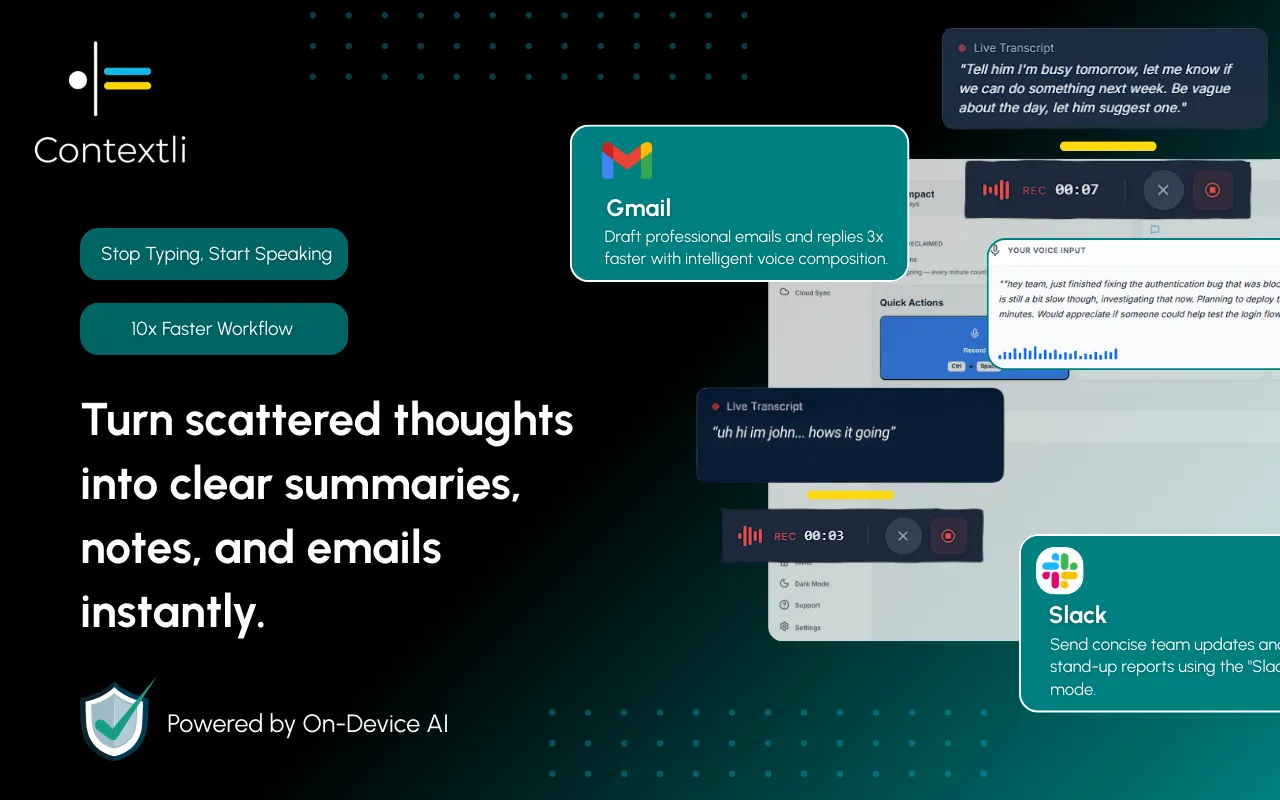
Named retro formats each pull a different kind of feedback out of a team. Here is how the common ones compare on what they are good for and what they cost you in facilitation.
| Format | Best for | Produces | Time to run (8 people) | Turns into action easily? |
|---|---|---|---|---|
| Keep / Drop / Try | Most teams, action-first retros | Categorized, owned items | ~30 min | Yes, maps directly to owners |
| Start / Stop / Continue | Behavior and process changes | Behavior-focused items | ~30 min | Yes, similar to Keep/Drop/Try |
| Mad / Sad / Glad | Low-trust or tense sprints | Emotional signal | ~40 min | No, needs a second pass to make actionable |
| Sailboat (anchors/wind) | Quiet teams, visual thinkers | Metaphor-mapped blockers | ~45 min | Partly, ideas need translating |
| 4Ls (Liked/Learned/Lacked/Longed) | Post-launch or milestone reviews | Reflective, learning-focused | ~40 min | Partly |
The practical read: use a warm-up format that fits the room's mood, but file everything into Keep, Drop, and Try before the meeting ends. Mad/Sad/Glad is worth reaching for when trust is low and people are not speaking up, but you still have to convert its output into owned actions afterward, so budget the extra pass.
Retrospective notes are some of the most sensitive text a team produces. They name people, describe what went wrong, and sometimes record blunt feedback about a specific incident or a specific colleague. Piping that through a cloud dictation service means those observations sit in a third-party database you do not control.
Contextli is built so that does not have to happen, and it stacks three levels of privacy you can turn on independently:
Stack all three and your retro notes never leave your laptop. No major dictation competitor offers that combination. If your team's retros touch personnel matters or unreleased work, that difference is the whole reason to care which tool types the notes. There is more detail in the write-up on dictating meeting notes with a template.
A scrum master runs the sprint 24 retro for a team of seven. She opens the retro template in her wiki and shares her screen. As each person speaks, she dictates the item in Notes Mode instead of typing it.
An engineer says the code review queue stalled twice. She speaks: "code review queue stalled twice, cost about four hours, drop it, Marcus owns setting a two-hour review SLA by sprint 25." Contextli types that as a clean, categorized Drop item with the owner and target sprint in place. Typing that same line by hand while staying in the conversation takes her about 90 seconds and pulls her focus off the room. Dictating it takes about 25 seconds and she stays present.
By the end of the 30-minute meeting the template is filled, the three Try items each have a named owner and a target sprint, and the carry-over line shows one item that has now slipped two retros in a row. She flags it as next retro's real topic. Nobody spends the evening cleaning up notes, because the notes were already structured when they were spoken.
The same pattern holds for adjacent meetings. Founders running lightweight retros solo can dictate straight into a running doc, which is the workflow covered in the voice-to-text guide for founders.

It is a structured format for recording what a team discusses in a sprint retrospective, with fixed fields for each item: the observation, its category (Keep, Drop, or Try), the impact, an owner, and the sprint by which it gets addressed. The structure is what makes the notes actionable instead of a list of complaints.
Cap it at three. A retro that generates ten action items generates zero real changes, because a team cannot absorb ten process changes in one sprint. Three named, owned, dated actions are enforceable and get done.
They are nearly the same tool with different verbs. Keep/Drop/Try leans slightly toward experiments (Try invites testing a change), while Start/Stop/Continue frames everything as ongoing behavior. Either works. Pick one and stay consistent so patterns are readable across sprints.
Yes, and a context-aware desktop app is better suited to it than raw dictation. Contextli in Notes Mode types cleaned, punctuated, categorized lines straight into your open doc as you speak, so you stay focused on facilitating instead of typing five fields per item.
With Contextli it can be. Run local models with the internet off, use your own API key so content goes machine to provider directly, and disable cloud sync so nothing is stored in Contextli's database. Stack all three and the notes never leave your laptop. Confirm the setup with your own team's data policy before recording sensitive feedback.
A sprint review is about the product: the team demos completed work to stakeholders and gathers feedback on what was built. A sprint retrospective is about the process: the team examines how it worked together and what to change. Retro notes are internal and often sensitive; review notes are usually shared more widely.
Not through an API. Contextli is a system-level app that types into whatever window has focus, so it writes into your Jira ticket, Notion page, or Confluence doc directly, the same way your keyboard does. There is nothing to connect and no permissions to grant.
The free tier gives you 100 credits per month, no credit card required. That is enough to run a retro or two and see whether context-aware dictation fits how your team records notes.
Retro notes are only worth writing if the team acts on them. A structured template gets you halfway; capturing the notes without falling behind the conversation gets you the rest. See the companion guides on the meeting note-taking app workflow and seven ways to write faster without typing, and browse the full set of context templates on the Contextli contexts library.
Ready to run a retro where the notes write themselves as you talk? Download Contextli and set up a Notes Mode with three of your past retro lines, then dictate your next retrospective straight into your template. The free tier includes 100 credits per month, no credit card required.

Junaid Khalid
Founder & CEO
Founder and solopreneur writing about how modern businesses run leaner and faster with AI. I build software that turns everyday work, from capturing thoughts to writing and staying organized, into something effortless, and I share what I learn along the way.
A calm look at what a sobriety app should do, how to keep a private sobriety log, and why voice notes beat typing when the moment is hard.
Junaid Khalid
A sleep tracker app is only useful if you log the variables that predict your energy. Here is what to record, and how to do it by voice in 20 seconds.
Junaid KhalidVerbal handoffs on a job site leave no record. Learn how written site inspection notes protect contractors, and how to capture them by voice in seconds.
Junaid Khalid