Most dictation tools send your voice to a cloud server. The audio gets transcribed there, the text gets stored there, and a copy lives on the vendor's database until you delete it (and sometimes after). For a quick voice memo this is fine. For a client email about a confidential matter, a Slack message reviewing a deal, or a therapist's session note, it is a problem the vendor will not solve for you.
This guide walks through where your speech actually goes when you dictate, the three-rung privacy ladder that determines how much control you keep, and which tools in 2026 offer which rungs. The short version: only one dictation tool gives you all three rungs of control, and you can stack them so no request ever leaves your machine.
Quick takeaways
- Most dictation tools (Wispr Flow, Willow Voice, Otter, ChatGPT voice) are cloud-only. Your audio leaves your device before a word is transcribed.
- The three-rung privacy ladder: local model processing, bring-your-own-key (BYOK), and disable cloud sync. Each rung gives you back a specific kind of control.
- Apple Dictation runs on-device but offers no customization or context-aware output, and Apple still collects usage telemetry.
- MacWhisper and Superwhisper run locally on Mac but do not give you BYOK or context-aware Modes.
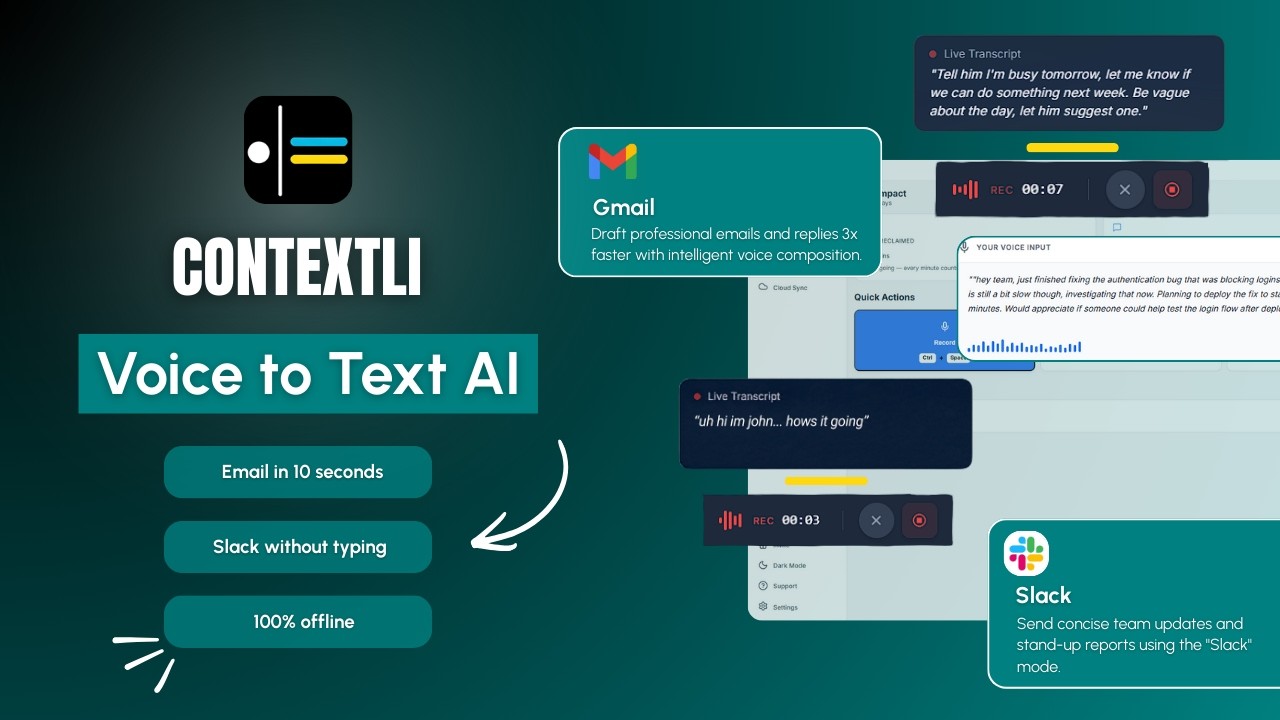
- Contextli is the only dictation tool in 2026 that lets you stack all three rungs: local model, BYOK, and no cloud sync. Combine them and Contextli never makes a request to any external server.
Where your speech actually goes when you dictate
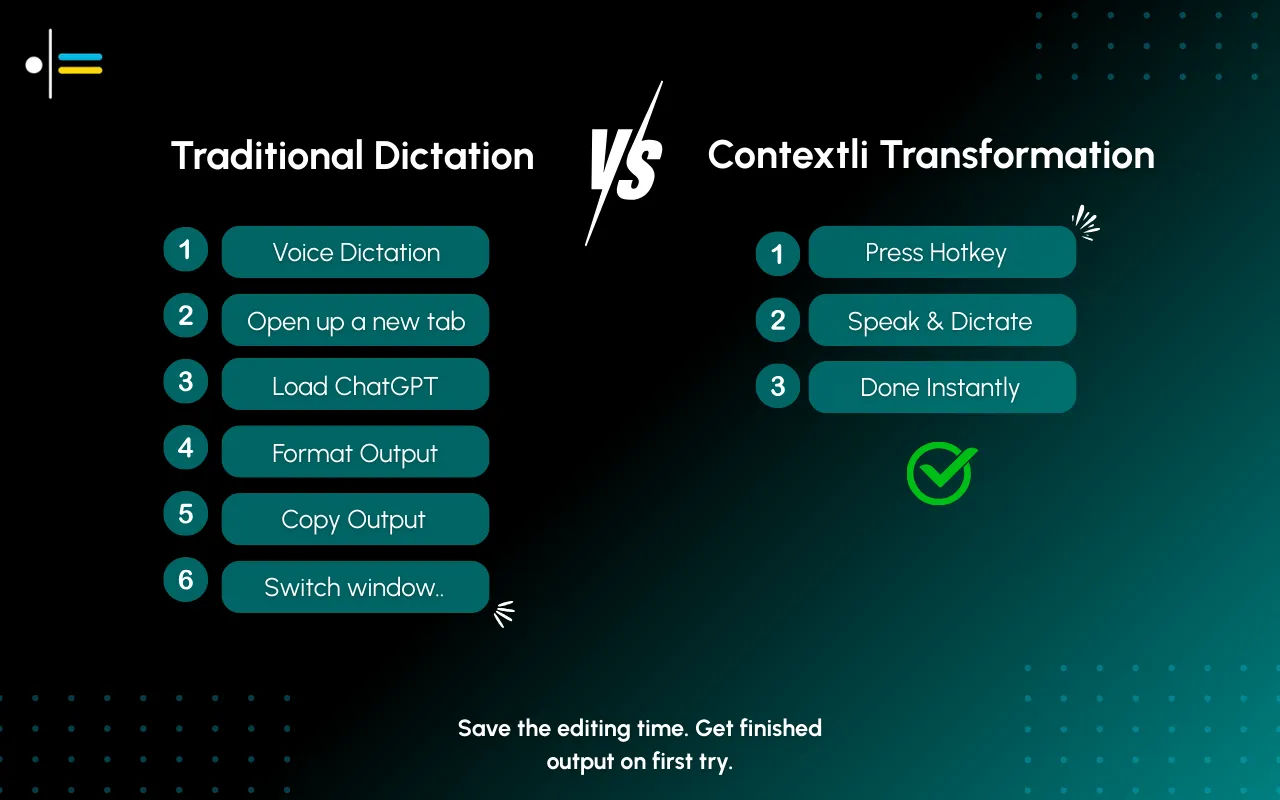
When you press the dictation hotkey in a typical cloud-based tool, here is what happens in the first 400 milliseconds. Your microphone captures audio. The app encodes it. The audio gets sent over the internet to the vendor's transcription server. A speech-to-text model returns text. For context-aware tools, a second model rewrites the text for the channel you are writing into. The final string comes back to your machine. The vendor logs the request.
Most users do not notice any of this. What they do notice is that pressing the hotkey works fine on the train with patchy Wi-Fi (because the cloud roundtrip retries silently) and that the transcript shows up in their notes whether they want it stored or not.
The privacy questions are simple but the vendors rarely answer them in one place. Where does the audio go? Who has access to the transcripts? How long is everything kept? Can you turn any of this off? In 2026, most popular dictation tools answer one or two of these questions well and stay quiet on the rest.
The three-rung privacy ladder
There are three independent controls that determine how private your dictation actually is. Tools differ on which controls they offer. The strongest stack uses all three.
Rung 1: Local model processing
The first rung is whether the speech-to-text model and the context-aware writing model run on your own machine, or in the cloud. When models run locally, your audio never leaves your device. Internet can be off. The app still works.
This used to be a hardware problem. Local speech models needed a server rack. Today a modern Mac with Apple Silicon (M1 and later) or a Windows laptop from the last three years runs Whisper-class transcription locally at faster than realtime. MacWhisper, for example, runs OpenAI's Whisper model entirely on-device and reports up to 15x realtime speed on Apple Silicon, with 1:12 transcription on M4 chips. The trade-off is honest: a ten-year-old laptop will be slow, and battery-powered laptops drain faster during long dictation sessions.
The big cloud-only tools have no local mode at any price tier. Wispr Flow's documentation states transcription always happens in the cloud "to provide the best speed and accuracy." Willow Voice is cloud-only by design. Otter, ChatGPT voice, AudioPen, and most listicle-recommended dictation tools are all cloud-only.
Rung 2: Bring-your-own-key (BYOK)
The second rung is what happens when you do use the cloud. By default, a cloud-based dictation tool routes your audio through its own servers, hits its own contracted transcription and AI providers (often OpenAI, Anthropic, Deepgram, or AssemblyAI), and brings the result back. The vendor sits in the middle of every request.
BYOK changes this. You supply your own API key for the transcription provider and the AI provider. Requests go directly from your machine to the provider you chose. The dictation vendor never sees the audio or the processed text. You pay the provider directly, which usually costs less per minute than a flat subscription if you dictate heavily.
In 2026, almost no consumer dictation tool offers true BYOK. Wispr Flow does not. Willow Voice does not. Native Apple Dictation does not (it is on-device only, with no BYOK option needed). The few BYOK options that exist are mostly developer-focused or self-hosted.
Rung 3: Disable cloud sync
The third rung is what happens to your transcripts after dictation. Most cloud-based dictation tools sync your transcript history to their database by default so you can access it from another device. This is a convenience feature, not a technical requirement.
You can usually turn it off. Contextli treats cloud sync as a user-controlled feature: enabled by default for cross-device use, but you can disable it. When disabled, transcribed notes live as local files on your machine. You can browse them in Finder or File Explorer. Contextli's database stores nothing about you.
Wispr Flow recently added "Privacy Mode" which they describe as zero server-side retention. The audio still leaves your device for transcription and reformatting, but they delete it after. This is not the same as Rung 3, which is about whether the data goes to their database at all. It is a meaningful step, but you are still trusting a deletion policy.
Verified against vendor documentation in May 2026. Pricing and features change. Confirm before relying on it for compliance.
| Tool |
Local model |
BYOK |
Disable cloud sync |
Opt-in screen-aware |
Customizable Modes |
| Contextli |
Yes |
Yes |
Yes |
Yes (opt-in) |
Yes |
| Wispr Flow |
No |
No |
"Privacy Mode" only |
Auto screenshots |
No |
| Willow Voice |
No |
No |
No |
No |
No |
| MacWhisper |
Yes |
n/a |
Yes (local only) |
No |
No |
| Superwhisper |
Yes |
n/a |
Yes (local only) |
No |
No |
| Apple Dictation |
Yes |
n/a |
Yes (telemetry) |
No |
No |
| Otter.ai |
No |
No |
No |
No |
No |
| ChatGPT voice |
No |
No |
No |
No |
No |
A note on Wispr Flow's screen capture: their documentation discloses that the app captures screenshots of the active window every few seconds for context-aware suggestions, sent to cloud servers with the voice recording. This is on by default. Contextli's equivalent feature (screen-awareness) is off by default and explicitly opt-in.
How to stack all three rungs with Contextli
The strongest stack uses all three rungs together. Here is how it works in Contextli, step by step. The screen-awareness setting stays off (which is the default) for this configuration.
First, in Contextli settings, switch transcription to a local model. The app downloads the Whisper-class model the first time, then keeps everything on your machine. Internet can be off. Transcription speed is roughly realtime on a modern laptop, slightly slower than cloud-only Wispr Flow at peak speed, but the trade is your audio never leaves the device.
Second, switch the context-aware writing model to local as well, or set BYOK with your own provider key (OpenAI, Anthropic, or your choice). If you go fully local, the writing model also runs on your machine. If you go BYOK, the request goes from your machine to the provider you chose, never through Contextli's servers.
Third, in the same settings panel, turn off cloud sync. Your transcribed notes now live only as local files in a folder you control. You can browse them, back them up, or delete them yourself. Contextli's database stores nothing.
With all three rungs stacked, here is the workflow: a consultant has just finished a confidential client call. She opens her email client, hits the Contextli hotkey, and dictates the follow-up using Email Mode. The audio is transcribed by the local model on her laptop. Email Mode (the context-aware writing layer) reformats it into a properly structured client email, also locally. The final text appears in her email window. No request has left her machine. The transcript is not synced to any vendor database. The whole flow takes about 30 seconds.
When each rung matters
The three rungs are independent. Different readers care about different ones. Match the rung to the constraint.
If you handle regulated data (legal, healthcare, financial advisory, government contractors), all three rungs matter. Most compliance frameworks treat "data does not leave the user's machine" as the cleanest baseline. Stack all three.
If you are a security-conscious developer or work in a company with strict data egress rules, Rung 2 (BYOK) is usually the most important. Your IT team often already has approved providers and signed DPAs. Routing through your own keys keeps the audit trail clean.
If you are a privacy-conscious professional but not in a regulated industry, Rung 3 (disable cloud sync) is the easiest single win. You stop accumulating a transcript history on a vendor's database. The vendor cannot lose what they do not have.
How Contextli is different from a transcription tool
Even with all three privacy rungs stacked, Contextli is not just a transcription tool. The point of dictating is to get usable text out the other side, not raw transcripts.
This is the gap MacWhisper and Superwhisper leave open. Both run transcription locally, which is excellent for privacy. But they transcribe. They do not write. If you dictate "hey jane got that report done will send it over soon," MacWhisper gives you that exact string. You still have to add a greeting, capitalize, punctuate, structure, and sign off.
Contextli adds the context-aware writing layer on top of transcription. The same dictation, with Email Mode active, comes out as a properly addressed professional email. Each Mode (Email, Messaging, Notes, LinkedIn, Marketing Copy, General Dictation) can be customized with examples of your own writing so the output matches your voice. None of this requires giving up privacy. The customization examples live locally too.
What we do not promise
Three honest caveats so the rest of this is credible.
Wispr Flow is faster than local-model Contextli for pure-speed transcription. If you do not care where your audio goes and you want the fastest possible dictation, Wispr Flow wins on that single dimension. We do not compete on speed.
Local models still need a modern machine. A 2013 MacBook Air will not run Whisper-class transcription at realtime. We say this plainly because the marketing tendency is to hide it.
Contextli is not a HIPAA-certified product. The local stack lets you meet your firm's own compliance requirements, but if your workflow requires a Business Associate Agreement or a specific certification, ask your compliance team first before relying on any dictation tool, including this one.
FAQ
Is Contextli a private dictation tool out of the box?
By default, Contextli uses cloud processing for speed, the same as most competitors. To make it fully private, you switch to local models, optionally turn on BYOK, and disable cloud sync in settings. All three rungs are user-controlled, off-by-default for cloud sync's part but easy to enable.
Does Contextli ever see my audio?
If you enable local models, no. The audio is processed on your machine and never sent over the network. If you stay on cloud processing, the audio goes to Contextli's transcription pipeline and is deleted after processing per our retention policy.
What is the difference between Wispr Flow's Privacy Mode and Contextli's privacy stack?
Wispr Flow's Privacy Mode is server-side zero retention. The audio still leaves your device for transcription and reformatting. Contextli's local-model option means the audio never leaves the device at all. They are different things, and the difference matters more for regulated industries than for general professional use.
Can I use Contextli offline?
Yes, with local models enabled. Transcription and context-aware writing both run on your machine. Internet can be off. Cloud sync (Rung 3) is the only feature that requires internet, and you can turn it off.
Is BYOK cheaper than Contextli's flat subscription?
It depends on how much you dictate. Heavy users (over 2 to 3 hours of dictation per day) often pay less per minute via BYOK because they pay the provider's per-minute rate directly. Light users usually do better on the flat subscription.
Does Apple Dictation count as private?
Apple Dictation runs on-device on recent Macs and iPhones, which covers Rung 1. But Apple still collects usage telemetry, the output is generic transcription with no customization, and there is no per-channel adaptation. For privacy alone, Apple Dictation is fine. For professional dictation across channels, it is not enough.
How do I know my local model is actually running locally?
Turn off Wi-Fi and try to dictate. If transcription still works, the model is running on your machine. Contextli's settings also show a status indicator for which engine is active (local versus cloud).
What happens to my notes if I disable cloud sync?
They stay as local files in a folder you control. You can find the folder in Contextli settings (it shows the exact path). Back them up like any other folder. Delete them when you no longer need them.
Where to go next
If privacy is your primary concern, read the Contextli context-aware speech-to-text guide for the full feature overview, and the Deepgram vs Contextli comparison for how we differ from API-style transcription tools. For a customer-facing perspective on context-aware dictation, see Contextli speech-to-text.
Try Contextli with all three privacy rungs
Contextli's free tier includes 100 credits per month with no credit card required, and the privacy stack (local models, BYOK, disable cloud sync) is available on every plan. Set it up in five minutes and see your speech stay on your machine. Read more on the features page or check the FAQ for specifics on data handling.




 Junaid Khalid