


Home Maintenance TrackerAug 4, 2026
Home Maintenance Log: Track Every Repair Before Warranty Ends
Build a home maintenance log that captures every repair, part, and warranty date by voice so nothing slips before coverage ends.
 Junaid Khalid
A habit tracker app that survives your worst week: how to log by voice in seconds, recover broken streaks, and keep a private daily record.

Most habit tracker apps are built for your best week. You set up ten habits on a Sunday when you feel organised, tap every checkbox for four days, then a bad week arrives. A late deadline, a sick kid, two nights of no sleep. You miss a day, then two, and the app that was supposed to help now just shows a broken red column you would rather not look at. So you stop opening it.
The problem is not your discipline. The problem is a tracker that punishes the exact week you needed it most, and one that demands more taps than the habit deserves. A daily habit app should take three seconds and give you an honest record, not a guilt machine that collapses the moment life gets loud.
This guide covers how to pick and set up a habit tracker app that holds up during a rough week, why voice logging beats tapping when you are tired, and how to write habit notes you will actually read later.
A streak breaks for one of two reasons, and neither is a character flaw.
The first is friction. If logging a habit takes seven taps across three screens, you will do it on the good days and skip it when you are rushing. The skipped days are almost always the busy ones, so your record ends up measuring how calm your week was, not how consistent you were.
The second is the all-or-nothing design of most streak counters. A single missed day resets the number to zero, which frames one bad day as total failure. Behaviour research on habit formation has consistently found that missing one day has little effect on long-term consistency, and the harm comes from the guilt spiral afterward, not the missed day itself.
So the fix is two-part: cut the logging time to near zero, and pick a tracker that treats a missed day as data, not defeat.
A checkbox tells you a habit happened. It does not tell you why the habit stuck or slipped, which is the information you need during a rough patch. A better habit tracker template captures a small amount of context alongside the check.
Keep it to four fields so it stays fast:
The one-line note is the part that survives your worst week. When you review a rough stretch later, "missed the gym three days, all after late client calls" is a pattern you can plan around. A bare red square is not. The trouble is that typing that note on a phone at 11pm is exactly the friction that makes you skip it. That is where speaking the line instead of typing it changes the maths.
Tapping checkboxes is fine for a yes or no. The moment you want a sentence of context, typing on a small keyboard becomes the bottleneck. Speaking is faster: a spoken habit note runs about 150 words a minute against roughly 40 words a minute thumb-typing on a phone.
Contextli is a context-aware speech-to-text desktop app that types into whatever window has focus. You open your habit tracker app, notes file, or spreadsheet, put your cursor in the note field, and speak. It types the line for you, cleaned up, in the place your habit log template already lives. There is no separate habit app to learn and no new export to manage.
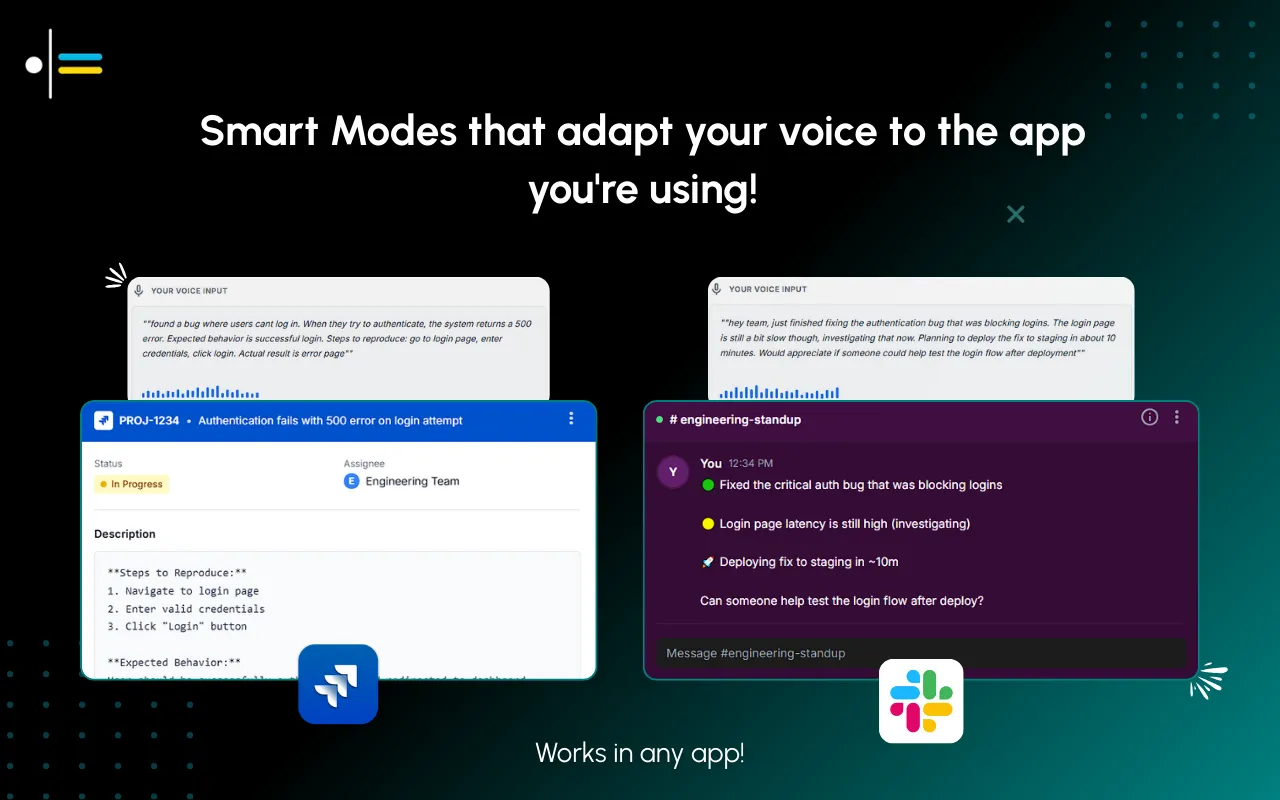
Because Contextli has real Modes, you can point it at Notes Mode for a habit log so it writes a short factual line rather than reformatting your words into an email. You can also feed a Mode three or four examples of how you want your habit entries to read (short, present tense, no filler) and every future entry matches that style. That is the customization-by-example flow: you show it your voice once, and it holds it.
A habit note you can speak in eight seconds is a habit note you will still be writing in March. A note you have to thumb-type is one you will abandon by February.
Habit logs get personal. Notes about drinking less, sleep, mood, screen time, or a health routine are the kind of record you may not want sitting on a company server. Most habit building apps sync everything to their cloud by default, and you rarely control where that data lives.
Contextli gives you a privacy ladder with three rungs you can stack:
Stack all three and your habit log is fully offline and fully private. No competitor in the dictation space offers that exact combination. For a daily record of the habits you are trying to build or break, that is the difference between a private notebook and a form you are filling in for someone else.
If privacy is your main concern, the dictation privacy guide walks through each rung in more detail.
The test of any method is not the good day. It is the tired 11pm day when you almost skip. Here is how common approaches compare on the metrics that decide whether you keep going.
| Method | Time to log one note | Works offline | Private by default | Note context captured |
|---|---|---|---|---|
| Tapping checkboxes in a phone app | 5 to 10 seconds | Sometimes | No (cloud sync default) | Check only, no reason |
| Thumb-typing a note in a phone app | 40 to 60 seconds | Sometimes | No | Yes, if you push through |
| Paper habit tracker template | 15 to 20 seconds | Yes | Yes | Yes, but not searchable |
| Voice logging with Contextli (Notes Mode) | 8 to 12 seconds | Yes (local models) | Yes (privacy ladder) | Full one-line note |
Paper is genuinely private and offline, and if a printed habit tracker template works for you, keep it. The gap is that paper is not searchable, so spotting a three-week pattern means flipping pages. Voice logging into a local file gives you the speed of a checkbox with the searchable context of a note.
Consider Maria, a consultant tracking three habits: a morning walk, no screens after 10pm, and a daily note to her weekly review. It is Thursday, she has had two bad nights, and a client call ran to 9:45pm.
The old way: she opens the habit app, taps through three habits, then tries to thumb-type why the walk got skipped. Typing the note takes about 55 seconds, and on a night like this she skips the note entirely, so the record loses the one detail that mattered.
With Contextli in Notes Mode, she opens her habit log file, puts her cursor in Thursday's row, and speaks: "Walk missed, client call ran late, two bad nights of sleep. No screens held. Feeling flat but not quitting." Contextli types the cleaned line into the file in about ten seconds. Because cloud sync is off, it lives only on her machine.
Two weeks later, her weekly review shows the walk slipped on exactly the days after late calls. That is a scheduling fix, not a discipline problem, and she only sees it because the note took ten seconds instead of a minute she did not have.
Contextli is not a habit tracker app, and it does not pretend to be one. It is the fast, private input layer for whatever tracker you already use, whether that is a notes file, a spreadsheet, or a dedicated streak tracker app in a browser window.
Because it types into the focused window at the system level, it has no lock-in. There is no Notion or Google API integration to configure and nothing to migrate. You keep your existing habit log template and stop typing into it by hand.
Compared with a tool like Wispr Flow, which is genuinely faster if all you need is raw transcription, Contextli's edge is appropriateness and privacy: it writes a clean habit note in the style you taught it, and it can run entirely on your own machine.
You can see the input flow in the short demo below.
If you track other things too, the same voice-logging approach works for a mood tracker, a workout log, or a running log for beginners. And if a habit keeps failing after two weeks, the pattern in why gratitude journals fail after two weeks applies to almost any daily practice. For the full set of personal-tracking setups, browse the Contextli contexts library.

Speed and forgiveness. Logging one habit should take under 5 seconds, and a single missed day should not reset your progress to zero. A tracker that lets you note a missed day with a one-line reason, and keep going, survives rough weeks. One that shows a broken red column and nothing else gets abandoned.
Three is a reliable ceiling for a daily habit app. A short list survives a busy week because it is quick to log and hard to forget. Ten habits look ambitious on setup day and become the reason you stop opening the app by week two. Add a fourth only once the first three are automatic.
Yes. With a system-level dictation tool like Contextli, you open your habit tracker template, put your cursor in the note field, and speak the entry. It types the line for you in about ten seconds. Speaking runs around 150 words a minute against roughly 40 for phone typing, which is why voice logging holds up on tired nights when typing does not.
It can be fully private. Contextli can run its speech recognition locally on your own machine with the internet off, or route through your own API key so it never sees your audio or text. Turn off cloud sync and your habit notes stay as local files on your disk, not on a company server.
No. A habit log template can live in any notes file or spreadsheet. Contextli types into whatever window has focus, so you keep your existing template and stop typing entries by hand. There is no separate habit app to learn and no export to manage.
Four fields keep it fast and useful: the habit name, done or missed, a one-line note on what helped or got in the way, and the date. The one-line note is what turns a bare checkbox into a pattern you can act on when you review a rough stretch later.
No. Research on habit formation has repeatedly found that missing a single day has little effect on long-term consistency. The damage comes from the guilt spiral afterward, when one missed day gets framed as total failure. Log the miss, add the reason, and carry on.
If your habit tracker keeps collapsing on your worst weeks, the fix is not more willpower. It is cutting the logging time to near zero and keeping the record private and honest. Download Contextli and use voice to log a habit note into your existing tracker in about ten seconds, running locally on your own machine if you want it fully offline. The free tier gives you 100 credits/month, no credit card required, which is enough to test voice logging for a full week before you decide.

Junaid Khalid
Founder & CEO
Founder and solopreneur writing about how modern businesses run leaner and faster with AI. I build software that turns everyday work, from capturing thoughts to writing and staying organized, into something effortless, and I share what I learn along the way.
Build a home maintenance log that captures every repair, part, and warranty date by voice so nothing slips before coverage ends.
Junaid Khalid
Build a gratitude journal for kids that actually sticks. A calm 3-minute nightly routine, prompts by age, and a hands-free way to capture their words.
Junaid Khalid
A goal setting app only works if you reopen it. Here is how to log goals by voice in 20 seconds so the Monday review actually happens.
Junaid Khalid