


Weekly Reflection TemplateAug 19, 2026
Weekly Review Template: Run Your Review in 15 Minutes
A weekly review template you can run in 15 minutes every Sunday. Six prompts, a scoring table, and a faster way to capture it by voice.
 Junaid Khalid
Willow Voice is fast and learns one writing style. Contextli customizes each Mode by example and offers a three-level privacy stack. A 2026 comparison for professionals who write across channels.
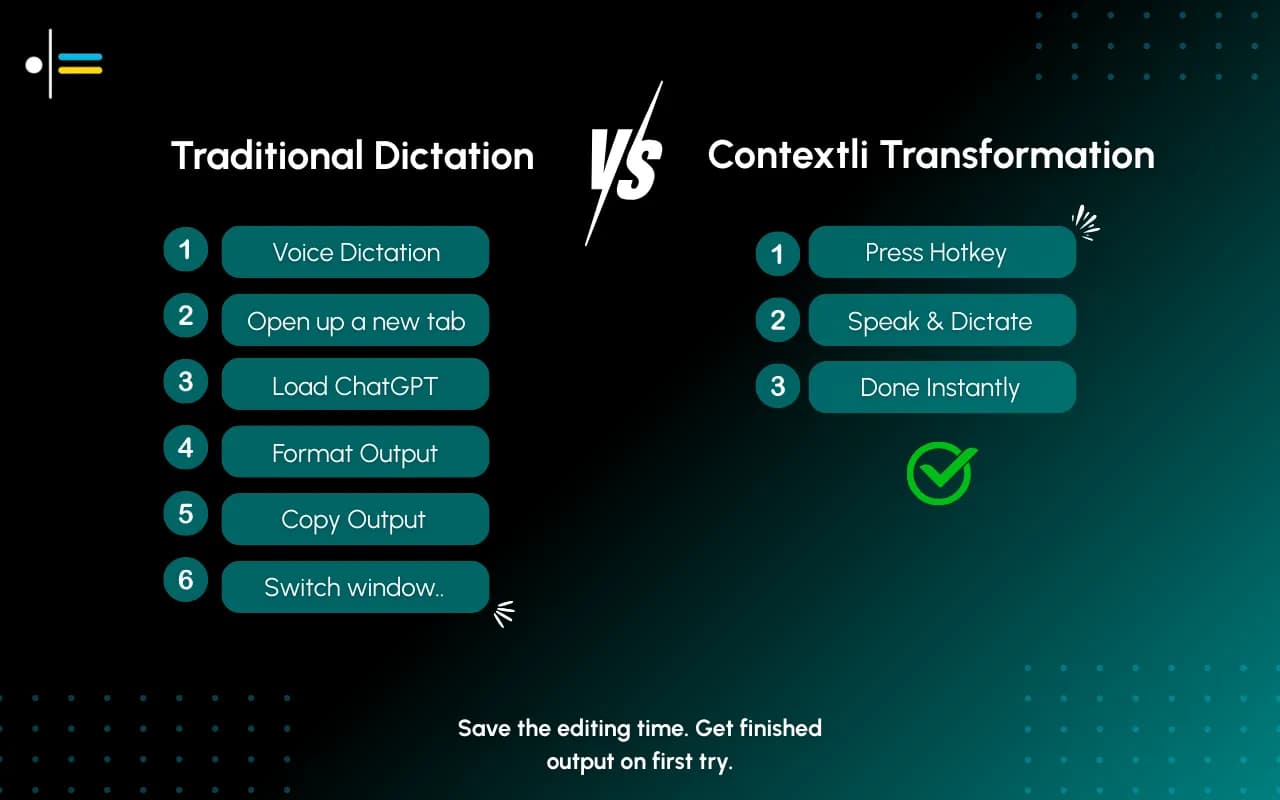
You picked a dictation tool to write faster. Now every Slack message reads like a client email, and every client email reads like a Slack message. The tool transcribes what you say cleanly enough, but it has no idea which window you are typing into or who you are writing to. Willow Voice and Contextli both promise to fix the typing bottleneck. They solve different halves of the problem, and the half you care about decides which one fits your workflow.
This comparison is for professionals who write across channels all day: client emails in the morning, internal Slack at noon, a LinkedIn post on Thursday, notes to themselves in between. If that is your week, the differences below matter more than raw speed.
Willow Voice is a clean, fast dictation tool. It works across Mac, Windows, and iPhone, with Android on the way, and it activates with a hotkey (the Function key by default on Mac). It strips filler words, formats your speech into readable text, and over time it learns your vocabulary and general writing style so the output sounds less robotic. Its processing is quick, roughly 200 milliseconds to return text, which is noticeably faster than some competitors.
For a professional who mostly writes in one register, this is a genuinely good fit. If your day is 90 percent email in roughly the same tone, a tool that learns that one tone and returns text fast will serve you well. Willow also positions itself on privacy with a no-storage policy and SOC 2 and HIPAA compliance, which matters if your only concern is whether your transcripts are retained on a server.
The limits show up when your writing is not one register. Willow learns a single averaged style. It does not give you separate, controllable contexts for "formal client email" versus "quick Slack reply" that you tune yourself. And its privacy story, while real, is one level deep: a no-retention cloud service, with offline processing gated behind the Pro plan and limited to Mac and iOS.
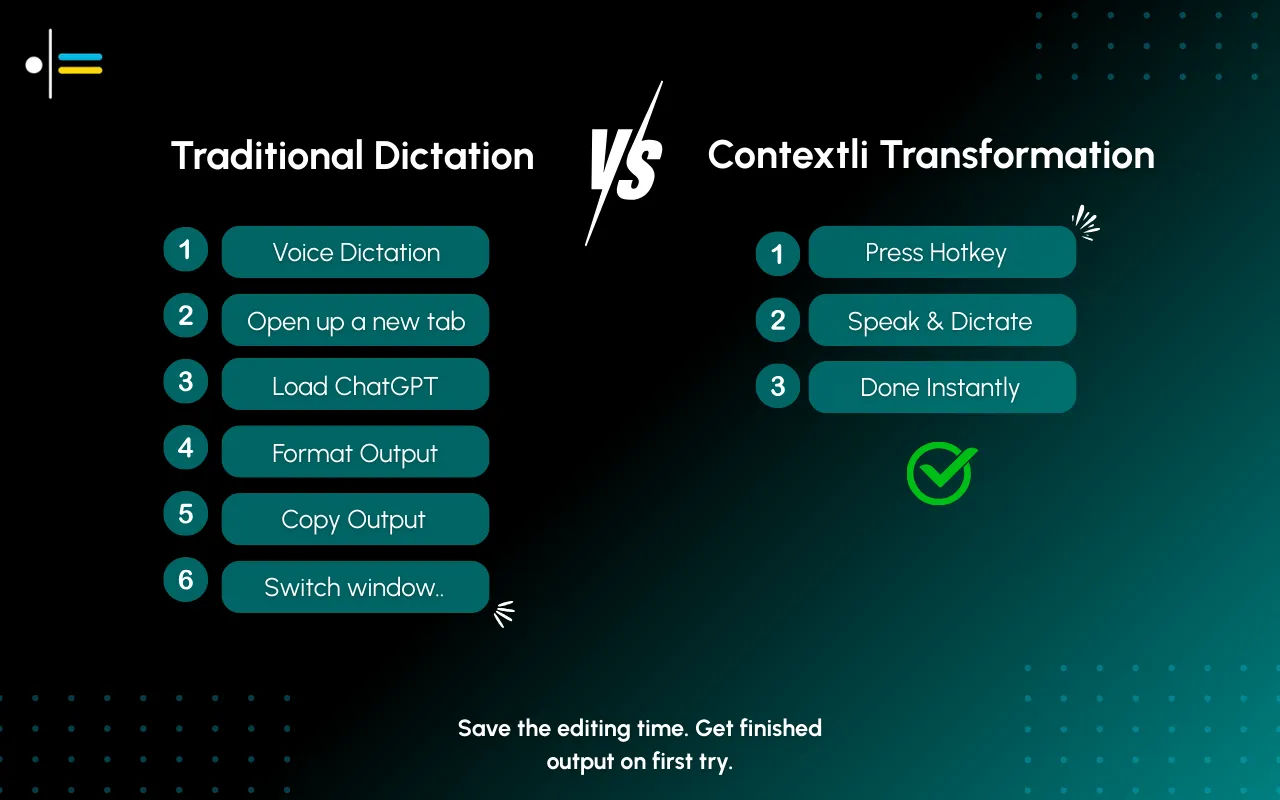
Contextli starts from a different premise. Most dictation tools transcribe: you speak, text comes out, you edit. Contextli writes for the channel you are in. It does this through Modes, Email Mode, Messaging Mode, Notes Mode, LinkedIn Mode, Marketing Copy Mode, and General Dictation, and the real difference is that you customize each one.
The base Modes are the starting point. The actual win comes from making them yours. Feed Email Mode three or four examples of how you actually write to clients, your sign-off style, your sentence length, your preferred opening, and from then on every dictated email matches that voice. You can give it specific instructions too: "always use UK spellings," "never start an email with the word I," "sign off as Junaid not Junaid Khalid." Same for Slack, same for LinkedIn, same for any Mode you customize. This is per-context tuning by example, and it is the thing Willow's passive style-learning does not do: you control each channel's voice separately, with your own samples.
If you turn on screen-awareness (off by default, you control it), Contextli can see what you are looking at when you dictate. You are reading a client's email with three questions in it. You hit the hotkey and say "let them know I'm busy tomorrow and the day after, but I'll have the thing ready in three days." Contextli already knows the client's name, your name, and the three questions. It writes the reply the way you would, greeting and sign-off included, addressing each question in order. You did not have to re-state any of that.
This is the clearest split between the two tools, and it is worth being precise about it because vague privacy claims are easy to make and hard to verify.
Contextli gives you three levels of privacy control. Use any of them, or stack all three.
Level 1: Local models. Transcription and AI processing run on your own machine. Internet off, app still works. You will need a modern Mac or Windows laptop, not a ten-year-old machine.
Level 2: Bring your own key. You supply the API key for transcription or AI, and your data goes from your machine to the provider directly. Contextli never sees it.
Level 3: Disable cloud sync. Cloud sync is how Contextli lets you use the same notes across devices. Turn it off and Contextli stores nothing in its database. Your transcribed notes live as local files on your machine, where you can browse them yourself.
Combine all three and Contextli never makes a single request to its servers. Fully offline, fully private.
Willow Voice, by contrast, is cloud-first by default. Its no-retention policy is real, and its compliance certifications are real, but the default experience sends every dictation request to Willow's servers. Offline processing is available only on the Pro plan and only on Mac and iOS. If your work involves client data, legal matters, or anything where "where does my speech get processed" is a real question, the difference between one privacy mode and a stackable three-level approach is the difference that decides the tool.
The table below shows how the two tools handle the dimensions that matter for cross-channel professional writing.
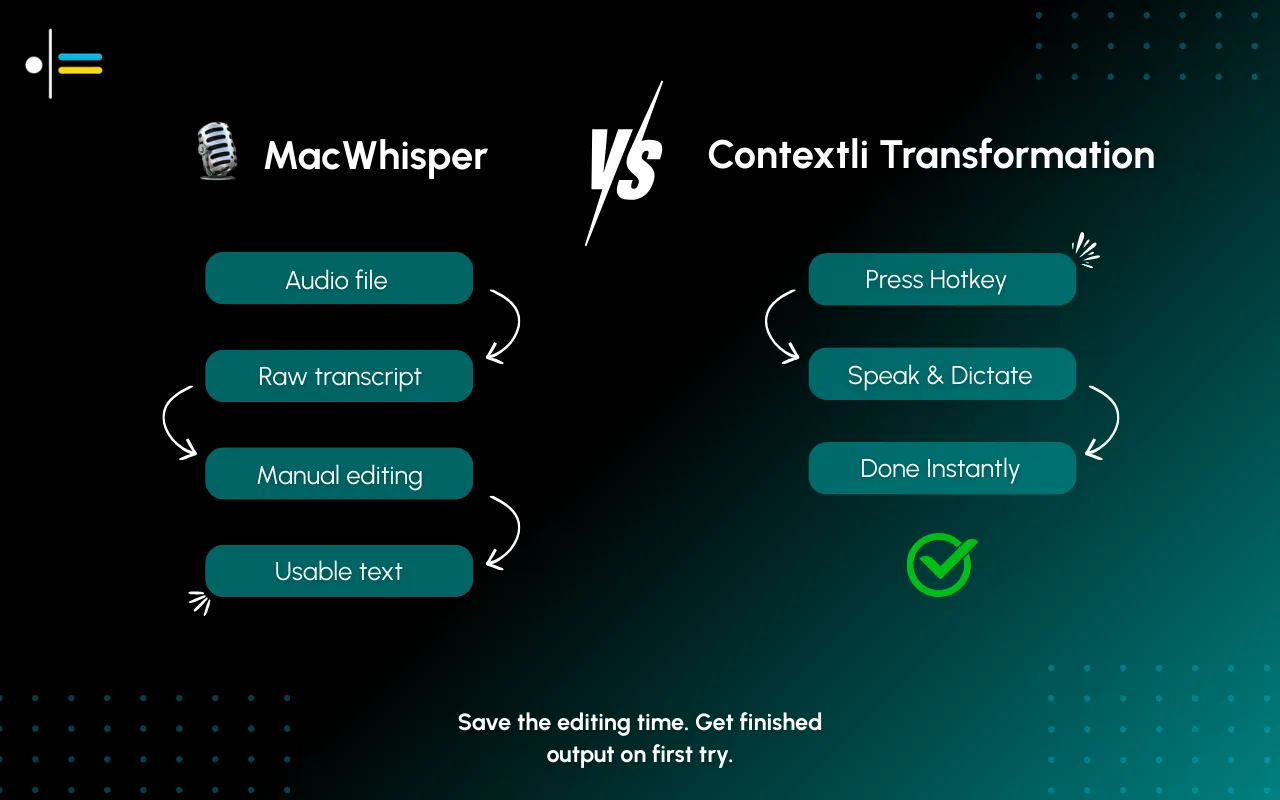
| Dimension | Willow Voice | Contextli |
|---|---|---|
| Per-channel customization | Passive style-learning, one averaged voice | Customize each Mode with your own examples and instructions |
| Screen-awareness | Not offered | Opt-in, off by default |
| Local model processing | Pro plan only, Mac and iOS | Yes, any plan, Mac and Windows |
| Bring-your-own-key | No | Yes |
| Disable cloud sync | Cloud-first by default | Yes, stores nothing when off |
| Platform support | Mac, Windows, iPhone, Android coming | Mac and Windows |
| Speed | ~200ms, faster | Competitive, not the headline |
| Starting price (2026) | Free tier, then $12/mo annual | Free tier, 100 credits/month |
Willow wins on raw speed and on mobile breadth. Contextli wins on customization depth and on privacy control. Pick the column that matches the part of your workflow you actually struggle with.
A management consultant works 55 hours in a typical week and switches registers constantly. Monday morning is a formal status email to a client partner. An hour later it is a blunt Slack message to an analyst asking for a revised model. Thursday is a LinkedIn post about a project win.
With Willow Voice, they dictate all three. The text comes back fast and reasonably clean, in the one style Willow has learned for them. The client email needs a few edits to sound formal enough. The Slack message is fine. The LinkedIn post needs reshaping because Willow does not know that LinkedIn wants short lines and a hook.
With Contextli, the consultant has already customized three Modes. Email Mode holds four of their past client emails, so the dictated status email comes back in the right formal register with their usual sign-off. Messaging Mode is tuned for the short, direct Slack voice they use with the team. LinkedIn Mode knows the format. They dictate each one in the Mode that fits, and the editing drops to a quick read-through. The consultant's data stays private because they have BYOK enabled for the client-facing work. Total editing time across the three messages: about a third of what the single-style approach needed.
Yes, for professionals who write across multiple channels and want to control each channel's voice. Willow learns one averaged style; Contextli lets you customize separate Modes with your own examples. If you mostly write in one register and want maximum speed, Willow may suit you better.
Offline Mode is available on Willow, but only on the Pro plan and only on Mac and iOS. The standard experience is cloud-first. Contextli offers local model processing on any plan for Mac and Windows. Verify Willow's current plan details on their site before deciding.
Willow has a real no-retention policy and SOC 2 and HIPAA compliance, but it is a cloud-first service with one privacy mode. Contextli offers a three-level stack: local models, bring-your-own-key, and disabling cloud sync. Combine all three and no request ever reaches Contextli's servers.
Willow is fast, around 200 milliseconds to return text, and speed is one of its main selling points. Contextli does not compete on raw speed; it competes on producing channel-appropriate writing and on privacy control. If speed is your only criterion, Willow has the edge.
Neither uses an app-specific API integration. Both work at the system level and type into whatever window has focus, including Slack, Gmail, and any other app. Contextli's Modes adapt the writing to the channel; the typing itself is system-level, not an API connection.
Yes. Email Mode can be customized with examples of your past client emails and with specific instructions like preferred sign-off or spelling conventions. Every dictated email then matches that voice. This is the per-Mode customization Willow's passive style-learning does not offer.
Contextli has a free tier with 100 credits per month, no credit card required. Check the pricing page for current paid plan details, since pricing changes.
If you write across channels all day and want each one to sound right without manual reshaping, Contextli is built for that workflow. The deeper comparison pieces are worth reading too: the Wispr Flow vs Contextli comparison covers another fast cloud-first competitor, and Deepgram vs Contextli looks at the developer-leaning end of the market. To understand how the privacy stack actually works, read how BYOK works in Contextli. For the foundation of the context-aware approach, start with the pillar guide on context-aware speech-to-text, and for a comparison against a household name, see ChatGPT vs Contextli.
Want output that fits the channel instead of one averaged voice? Download Contextli and customize Email Mode with a few of your own client emails. The free tier gives you 100 credits per month, no credit card required. See it at https://contextli.com/download.

Junaid Khalid
Founder & CEO
Founder and solopreneur writing about how modern businesses run leaner and faster with AI. I build software that turns everyday work, from capturing thoughts to writing and staying organized, into something effortless, and I share what I learn along the way.
A weekly review template you can run in 15 minutes every Sunday. Six prompts, a scoring table, and a faster way to capture it by voice.
Junaid KhalidA vet visit notes template that captures the diagnosis, dosing, and follow-up before you leave the exam room. Speak it into your notes instead of typing.
Junaid KhalidCounseling progress notes software that writes your notes by voice and keeps client data on your own machine, so counselors finish notes the same day.
Junaid Khalid